
What’s new in Yellowfin BI 9.18
It brings the power of popular AI models to a conversational analytics experience.

New Feature Highlights
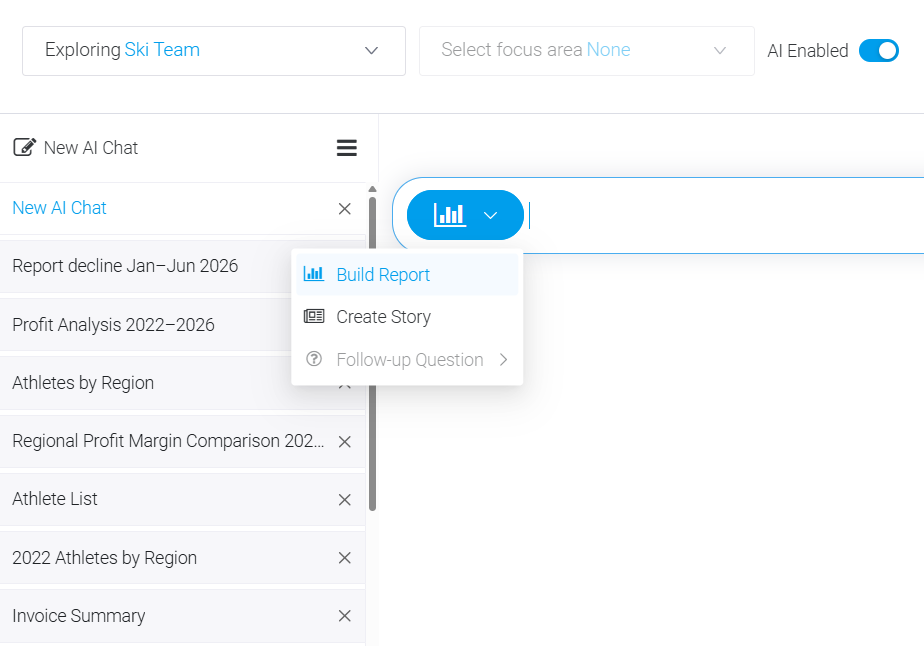
Enhanced Conversational Analytics
With the launch of 9.18 we have added three AI-powered features to the NLQ experience in Yellowfin BI. New features, named Build Report, Create Story and Ask Follow-up Questions, are placed in a section named Conversational Analytics, and allow users to leverage the AI tool of their choice to get deeper insights, faster and easier, using natural language queries.
Users can post questions in everyday language, without any constraints or guides, such as “Show me the monthly sales data for Texas for the last three quarters”, and depending on the feature used the system will build a Report or create a Story. You can also use Ask Follow-up Questions to find out more about a generated report or chart, with the interface bringing full chat history, context retention, control over token usage, and background processing for deeper analysis.
Verifiable Reports and Insights
The use of AI in business brings vast possibilities with huge potential, but also introduces data privacy, security and governance challenges, such as consistent interpretation of data or lack of auditability. To mitigate these we have integrated the use of AI tools in Yellowfin BI 9.18 in a way that ensures the insights in reports are verifiable and can be trusted.
To create Reports and Stories in Yellowfin BI 9.18 you can use any of the popular AI tools, such as ChatGPT, Claude or Gemini. Our platform will use the AI tool of your choice and an agentic approach to deliver comprehensive Reports and Stories, with interactive data visualizations and insights which you can verify, by examining the assumptions made by the model and the underlying data.

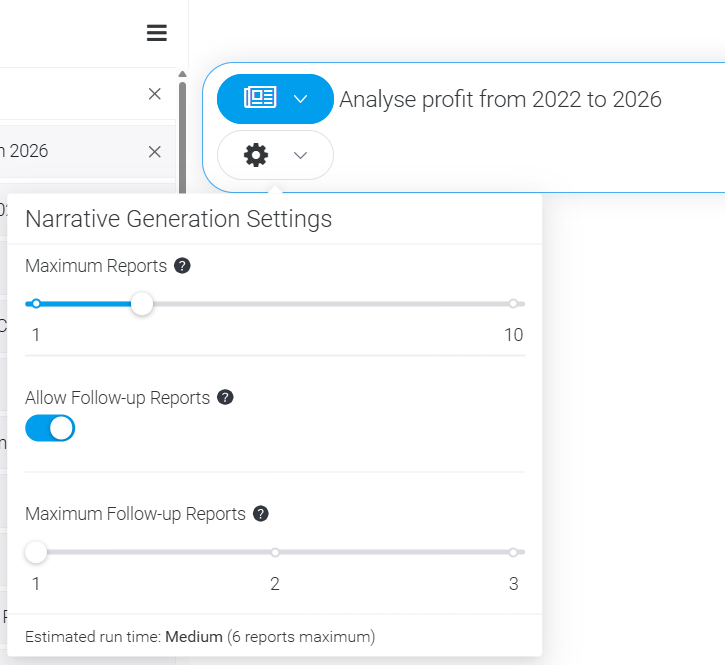
More Control Over AI Use
Users can control how their data is being used to create Reports, Dashboards and Stories, either with the help of the AI model of their choice, or relying solely on the advanced data analytics engine Yellowfin has been developing for over two decades.
This will allow users of Yellowfin BI 9.18 to stay in line with their data governance standards and semantic layer rules even when using AI, and to control the costs of using AI by configuring how many iterations the selected AI model will make while creating reports and stories.
Responsive UI (Phase 2)
With Yellowfin BI 9.17 we began the rollout of a responsive user interface across key parts of the platform, when responsiveness has been introduced to the top navigation, Browse page, NLQ interface, Stories page, and their associated pop-up windows.
With 9.18 we have added it to the Report Output Page, Dashboard Output Page (non-Canvas), Timeline/Tasks, as well as pop-up windows associated with those pages, with layouts adjusting automatically to fit smaller viewports, collapsing menus where needed and preserving functionality without clutter.
Learn More About Our Releases

All Releases
Learn more about
features in previous Yellowfin releases.

Downloads and Release Notes
Download the latest Yellowfin release and
see the full list of what’s changed.

Yellowfin Wiki
Get started and learn everything Yellowfin
has to offer.

Yellowfin Community
Connect with people just like you in our community.
Get a Demo and see for yourself
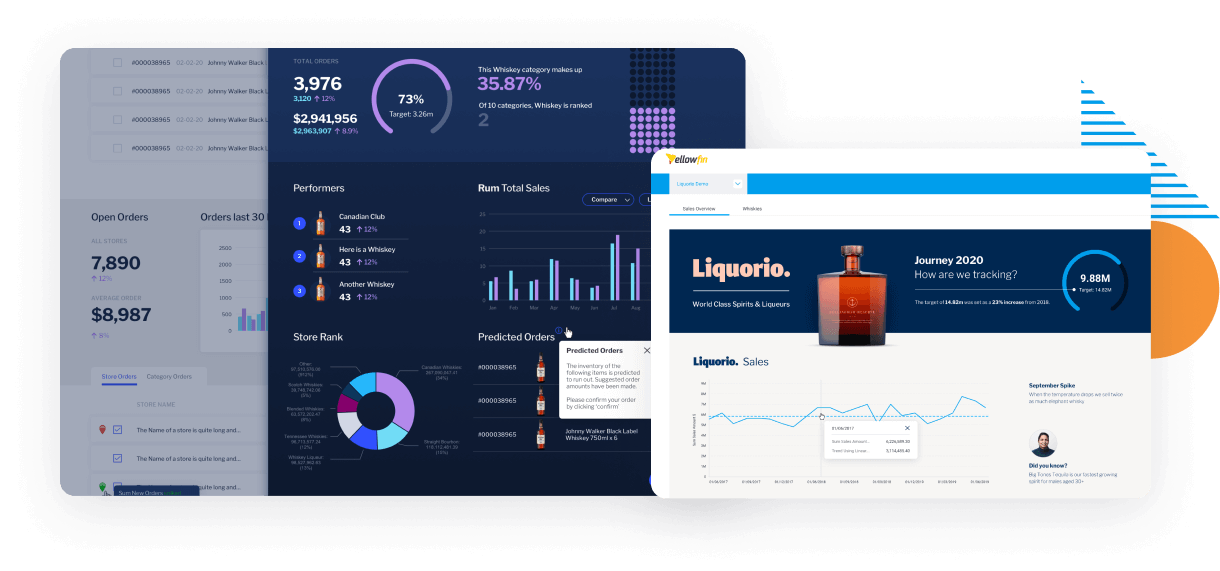
Request a Demo of Yellowfin in action to see how the Yellowfin analytics solution solves data complexity through automation, dynamic data storytelling, collaboration and beautiful action-based dashboards allowing more people to discover, understand and do more with their data.
 Free Trial
 Free Trial
Explore Yellowfin now on our sample dataset or try for free on your own dataset for 30 days.
 Request a Quote
 Request a Quote
Yellowfin is priced so that it is simple, predictable and scalable to suit your enterprise or embedded analytics needs.